Review requests by SMS, email, QR and Wallet
Happy customers often forget to leave a review. A request sent right after the purchase or visit reminds them. Krealo Avis sends the same message to everyone, with no sorting, and every message has a one-click unsubscribe.
In short
Krealo Avis, built by Krealo Media in Montréal, sends the same review request to every customer after a purchase or a visit. You choose the channel: SMS, email, a printed QR code at the counter, or a link on their Apple/Google Wallet pass. It's made for local businesses and Shopify stores. To get started, fill out the form or pick a plan.
Four channels, one message
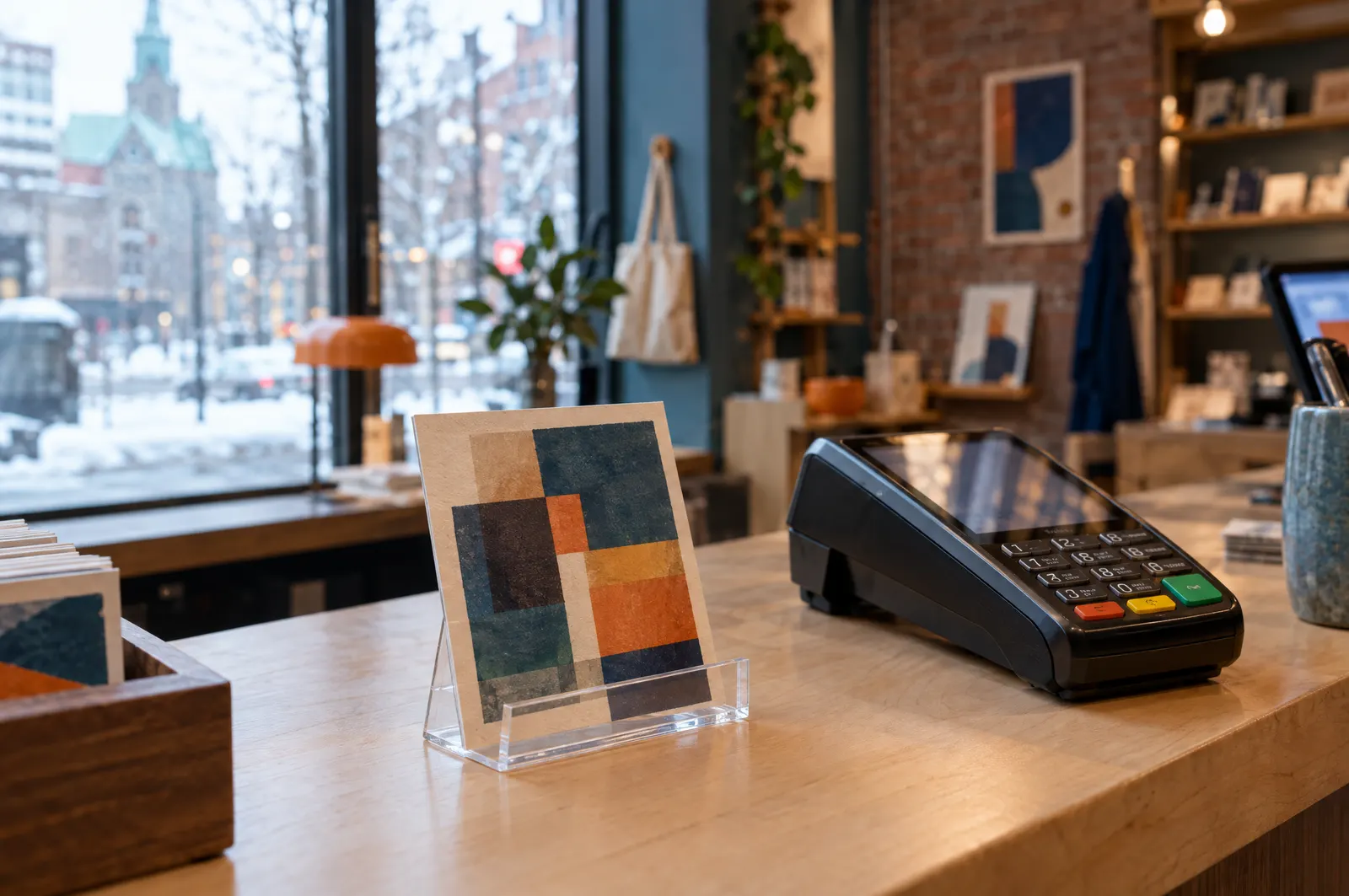
SMS: the request lands on the customer's phone. Email: the same request, in their inbox. QR code: print it and set it on your counter. Wallet: a link on the customer's Apple Wallet or Google Wallet pass. Every channel leads to the same review page, where everyone sees the Google button.
Pricing and what's included
The Free plan covers email and QR code, up to 50 requests a month for 1 location. SMS and Wallet need the Pro plan: $29/month for 1,000 requests. Business, at $59/month, goes up to 5,000 requests and 5 locations. Assumption: web prices are in CAD and paid through PayPal. In the Shopify app, prices are in USD through Shopify Billing. Not included: any reward or discount in exchange for a review.
What happens after you fill out the form
The Krealo Media team in Montréal gets back to you to activate your account. You pick your channels, and requests start going out after each purchase or visit. Paid plans start with a 14-day trial.
- The same polite request for every customer, no sorting
- Texts sent through Twilio, via Krealo
- Printable QR code for your counter
- Link on the Apple Wallet or Google Wallet pass
- Consent recorded for CASL and Law 25
- One-click unsubscribe in every message
Frequently asked questions
Which SMS provider do you use?
Twilio. Texts are sent through Twilio, via Krealo. SMS is included in the Pro and Business plans.
Can I print the QR code?
Yes. Print it and put it on your counter. Customers scan it with their phone and land on the review page. The QR code is included starting with the Free plan.
How does the Wallet pass request work?
The request is a link on the customer's Apple Wallet or Google Wallet pass. They tap it and land on your review page. Wallet is included in the Pro and Business plans.
Ask every customer for a review
Start on the Free plan or try Pro or Business for 14 days. Fill out the form and the Krealo Media team will get back to you to activate your account.